
Key takeaways
- Plan low-voltage systems around property use, equipment placement, cable pathways, and future expansion.
- Structured, labeled cabling supports reliable Wi-Fi, phones, cameras, workstations, and easier future service.
- Camera and access-control placement should account for sightlines, lighting, privacy, network capacity, and daily operations.
- Confirm Carson permit requirements and appropriate California licensing before starting electrical or low-voltage work.
Structured cabling scope
Low Voltage Contractor in Carson CA, Mario Castillo Electric
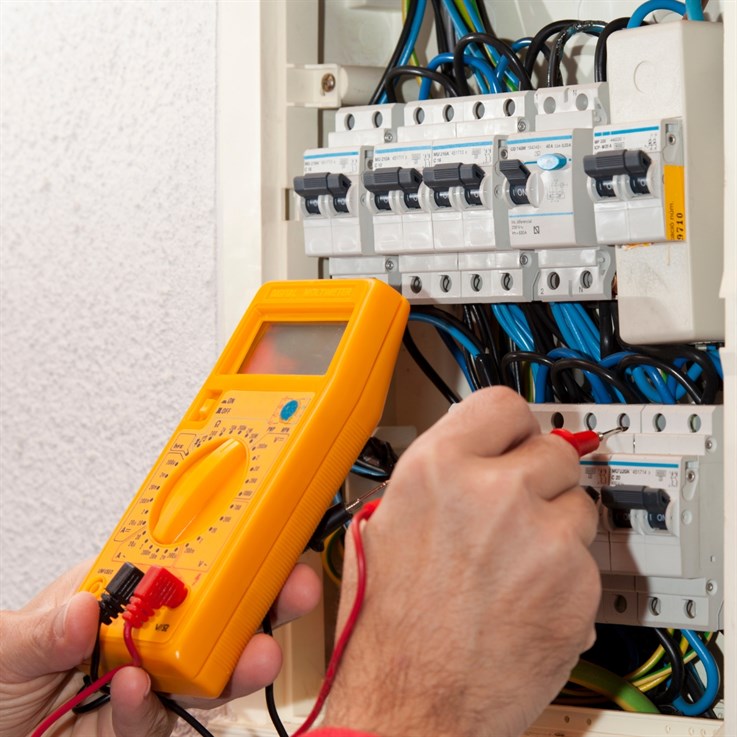
Choosing a low voltage contractor in Carson CA calls for more than running cable behind finished walls. The work must fit the property, support the equipment people rely on each day, and leave room for future changes. Mario Castillo Electric brings a practical, site-aware approach to low voltage installations for homes and businesses across Carson. From structured wiring and data cabling to security cameras, access control, audiovisual connections, and network-ready spaces, the focus stays on clean routing, dependable connections, and equipment placement that makes sense long after installation day. Thoughtful low voltage work can make a conference room easier to use, give a homeowner clearer visibility at entry points, or provide a business with organized infrastructure for phones, internet, and surveillance. Quality voltage services begin with a close look at how the space is used, where devices belong, and how cables can be routed without creating visual clutter or service headaches later. For Carson projects large or small, careful planning makes the finished system easier to use and maintain.




Low Voltage Systems We Plan and Install
Every dependable low voltage project begins with a clear plan for the equipment, pathways, and people who will use it. We design and install connected systems that give homes and businesses a tidy, reliable foundation for network performance, security, and future changes. Our services are tailored to the property, not pulled from a template.
Structured Cabling and Network Cabling
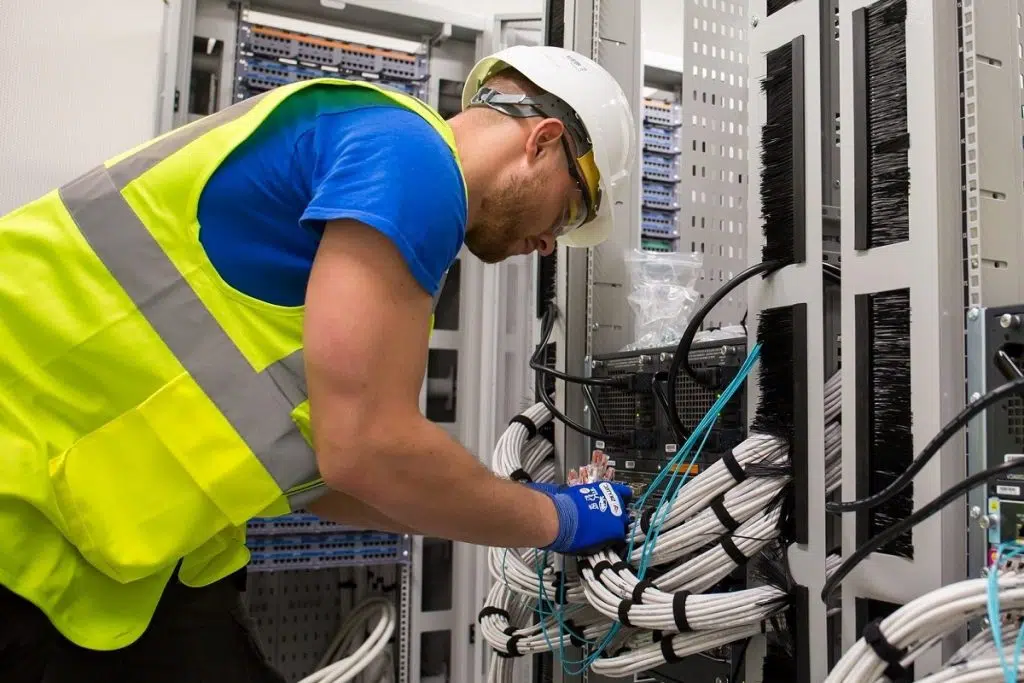
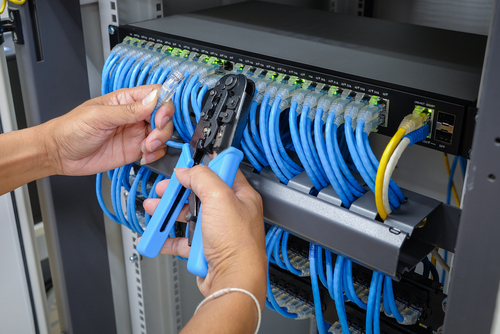
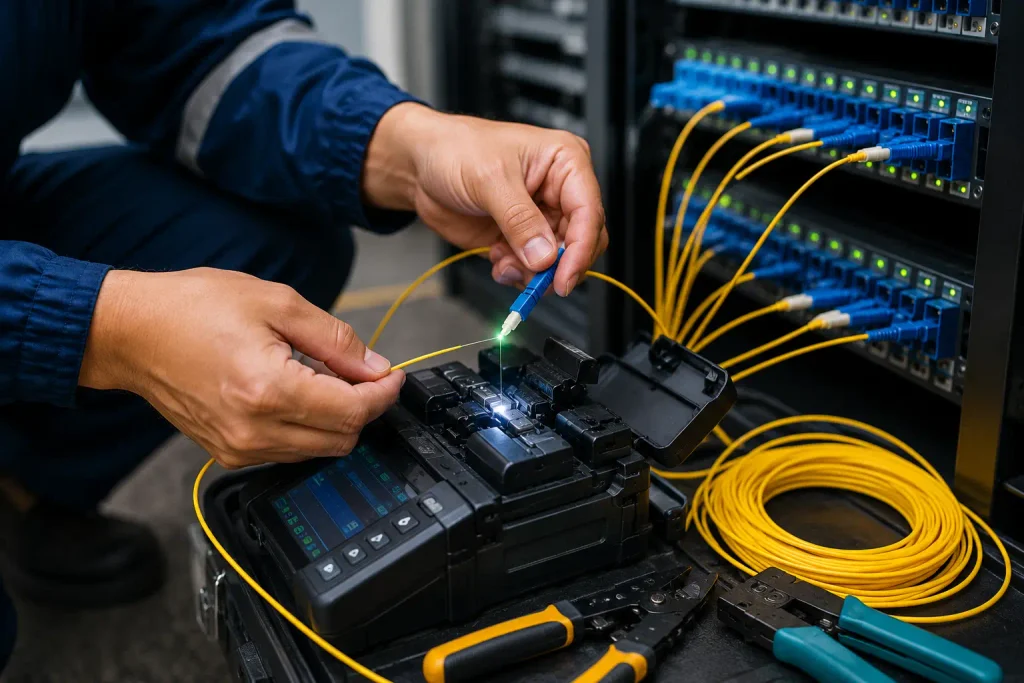
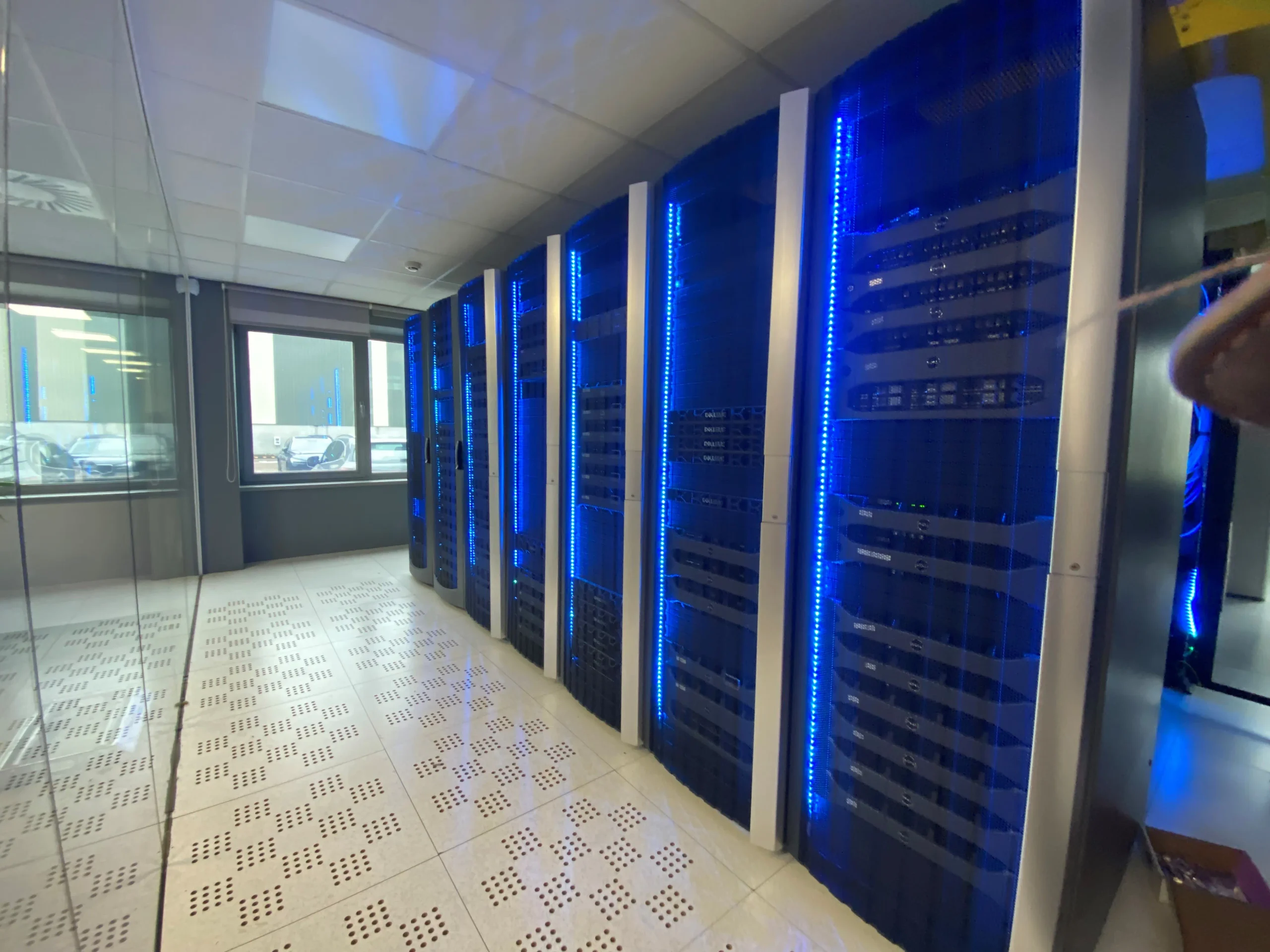
Structured cabling is the quiet framework behind fast Wi-Fi, dependable workstations, phones, and connected devices. We map routes before walls close, select cable types to suit distance and bandwidth, and leave room for service access later. The result is network cabling that is orderly at the rack and practical in daily use.
For larger sites or long runs, fiber optic cable can carry data between buildings, floors, or key equipment locations without compromising speed. We build the supporting infrastructure with labeled terminations, organized pathways, and a clean panel layout, so moves and repairs do not turn into a hunt for the right line.
Security Cameras and Access Control
Security cameras should suit the sightlines, lighting, entry points, and privacy needs of the property, not merely cover an address with hardware. We plan camera installation around the moments that matter: a vehicle arriving, a delivery at a side door, or activity after hours. Each camera is placed for a useful view and a sensible maintenance path.
Access control brings the same discipline to doors, gates, and restricted rooms. A well-designed system can issue credentials, record entry events, and set schedules that match how the site operates. We coordinate security cameras and access hardware with the network, then give staff a clear handoff on daily operation and account changes.
Security Camera and Access Control Planning Checklist
| Planning area | What to assess | Why it matters |
| Sightlines | Whether each camera has a useful view of the intended area. | Places cameras around the activity that needs to be seen. |
| Lighting | Lighting conditions at each camera location. | Supports a useful camera view. |
| Entry points | Vehicle arrivals, side-door deliveries, doors, gates, and restricted rooms. | Focuses coverage and access planning on site activity. |
| Privacy | The property’s privacy needs. | Guides camera placement. |
| Maintenance access | A sensible path for camera maintenance. | Supports ongoing camera care. |
| Network coordination | How cameras and access hardware connect with the network. | Coordinates security equipment with site infrastructure. |
| Credentials | How the system will issue credentials. | Supports access control for doors, gates, and restricted rooms. |
| Entry events | Whether the system records entry events. | Creates a record of entries. |
| Schedules | Schedules that match how the site operates. | Aligns access control with site operations. |
| Staff handoff | Daily operation and account changes. | Gives staff clear direction for system use. |
Site security planning
- Map camera views around arrivals, deliveries, entries, and after-hours activity.
- Match camera placement to lighting, sightlines, privacy, and service access.
- Set credentials and door schedules around staff routines and restricted areas.
- Connect cameras and access hardware to the property network.
- Train staff on daily operation, event records, and account updates.
Camera and Access Planning
- Map sightlines, lighting, entry points, and privacy boundaries before installation.
- Place cameras for vehicle arrivals, deliveries, and after-hours activity.
- Allow safe, practical access for cleaning, service, and repairs.
- Set door credentials and schedules around daily staff routines.
- Connect cameras and access hardware to the site network securely

From Site Walk to System Handoff
A strong project starts on site, not at a desk. The initial walk-through gives the installation team a clear view of access points, existing equipment, electrical capacity, drainage, finishes, and the small site conditions that shape the work. It is the moment to confirm measurements, discuss placement, and flag any changes before materials arrive.
From there, the work should follow an orderly plan: protect the property, complete the installation with care, test each component, and leave the area clean. Quality systems are built for daily use, so the handoff matters as much as the fitting itself. A good service visit includes a clear explanation of controls, maintenance needs, warranty details, and who to call for support. Clients should leave with practical answers, not a manual full of unanswered questions. Should repair needs arise later, a team familiar with the original projects can diagnose issues quickly and keep the system working as intended.
Carson Requirements, Permits, and Project Coordination
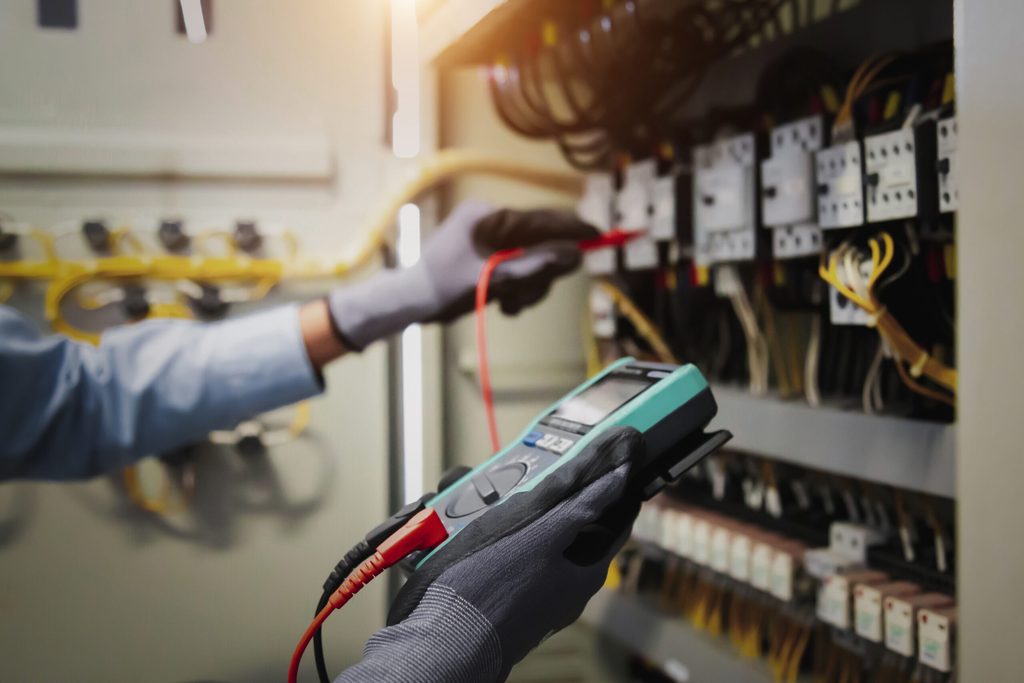
In Carson, electrical and low-voltage work should begin with a clear scope, a site walk, and early contact with the city’s Building and Safety staff. Permit needs vary by project: a new circuit, service upgrade, commercial tenant improvement, camera system, or door hardware installation may involve separate electrical, building, fire, and planning review. A licensed electrician is the right fit for line-voltage power, panels, branch circuits, and equipment connections. For communications cabling, surveillance, intrusion alarms, and access control, confirm that the installer holds the California license classification suited to the work; a low-voltage contractor commonly operates under a C-7 license, with C-10 work required where power distribution is involved. Security projects deserve close coordination with the property owner, IT team, fire-alarm vendor, door supplier, and general contractor. Device locations, pathway capacity, network switches, backup power, egress hardware, and final inspections should be settled before walls close. That preparation limits field changes and keeps the installation aligned with code, life-safety requirements, and the building’s daily operations.
Areas That We Serve
Low Voltage Contractor FAQs
Choosing a low voltage contractor in Carson, CA often starts with a simple question: what work belongs under the low voltage umbrella? It covers the systems that carry data, signals, and controls rather than standard electrical power, structured cabling, Wi-Fi access points, security cameras, access control, audio, and smart-device connections. A qualified contractor can plan a clean installation, label each run, and leave room for future changes without turning walls, ceilings, or equipment closets into a patchwork of loose wires. Homeowners and businesses often call for support after unreliable coverage, camera dropouts, or a network that has outgrown its original layout. Repair may involve tracing damaged cable, correcting poor terminations, or resolving power and configuration issues. Replacement makes more sense where aging hardware, obsolete cabling, or repeated failures limit performance. Before scheduling service, ask what is included in the site visit, whether permits apply, how the work will be documented, and who will handle final testing. Clear answers protect the system long after installation day.