
Key takeaways
- Site-specific structured cabling supports reliable operations, upgrades and tenant changes across Carson commercial properties.
- Cat6 suits most offices; Cat6A supports higher speeds and demanding PoE; fiber suits backbones and long runs.
- Plan connections for workstations, Wi-Fi, VoIP, cameras, access control, AV systems and future expansion.
- Proper pathways, power separation, containment and fire-rated materials protect performance and code compliance.
- Label outlets and patch panels, document routes, and certify every permanent link before project handover.
- Phased planning helps minimize disruption during occupied renovations, warehouse build-outs and tenant improvements.
Network Cabling Installation in Carson CA for Commercial Properties
Network cabling installation in Carson CA calls for more than pulling cable above a ceiling grid. A commercial property needs a cabling infrastructure that fits the building’s layout, daily traffic, equipment load, and plans for growth. From a compact office suite near Avalon Boulevard to a warehouse, retail site, medical practice, or multi-tenant facility, the quality of the physical network shapes how reliably the business communicates and operates.
Thoughtful network cabling begins with a site-specific plan: pathways for cable runs, proper placement for racks and patch panels, clean labeling, and separation between power and low voltage lines. These details protect signal performance and make future service far less disruptive. Structured network wiring gives staff dependable connections for workstations, wireless access points, VoIP phones, security cameras, access control, and specialized systems without leaving a confusing tangle behind walls or in telecom closets.
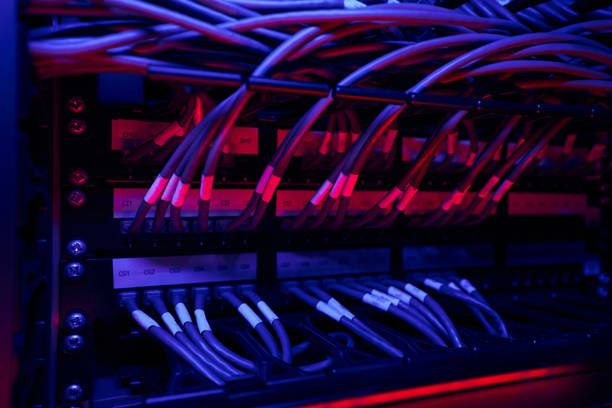
For Carson commercial spaces, installation choices must account for construction materials, ceiling access, tenant improvements, local code requirements, and the demands placed on the network during business hours. Category-rated data cabling, fiber links where distance or bandwidth calls for them, and properly terminated connections all deserve the same attention. A cable that tests clean on day one can spare an office from intermittent outages and hard-to-trace performance complaints later.
Carson sits within a dense Los Angeles County business corridor, where many properties rely on fast, stable connectivity to serve customers, coordinate teams, and link cloud-based tools. Professional network cabling creates an organized foundation for that work. The goal is a system that is neat, documented, serviceable, and ready to support the next leasehold change, technology upgrade, or expansion without forcing the business to start over.





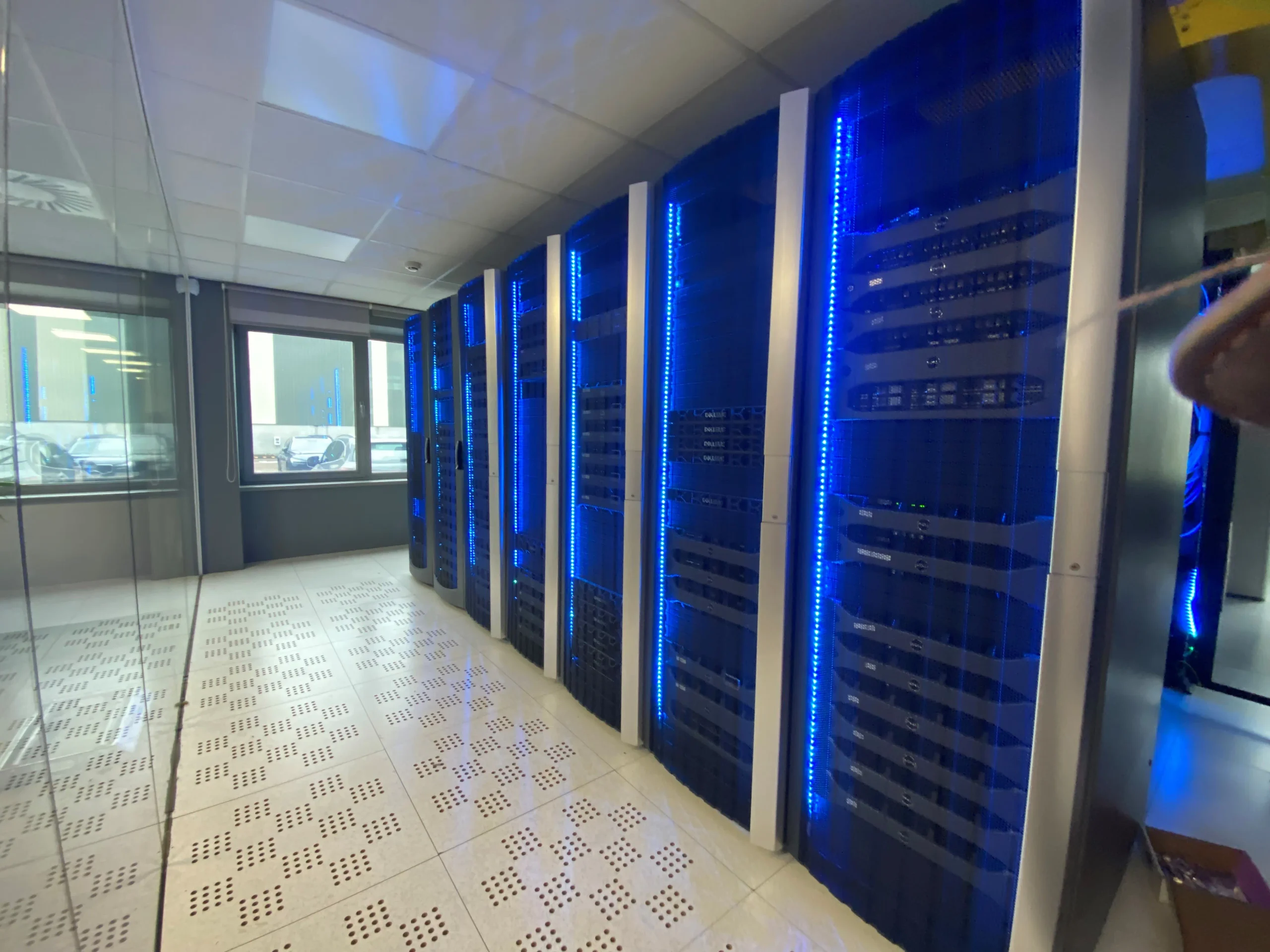
Structured Cabling and Commercial Cabling for an Office Network
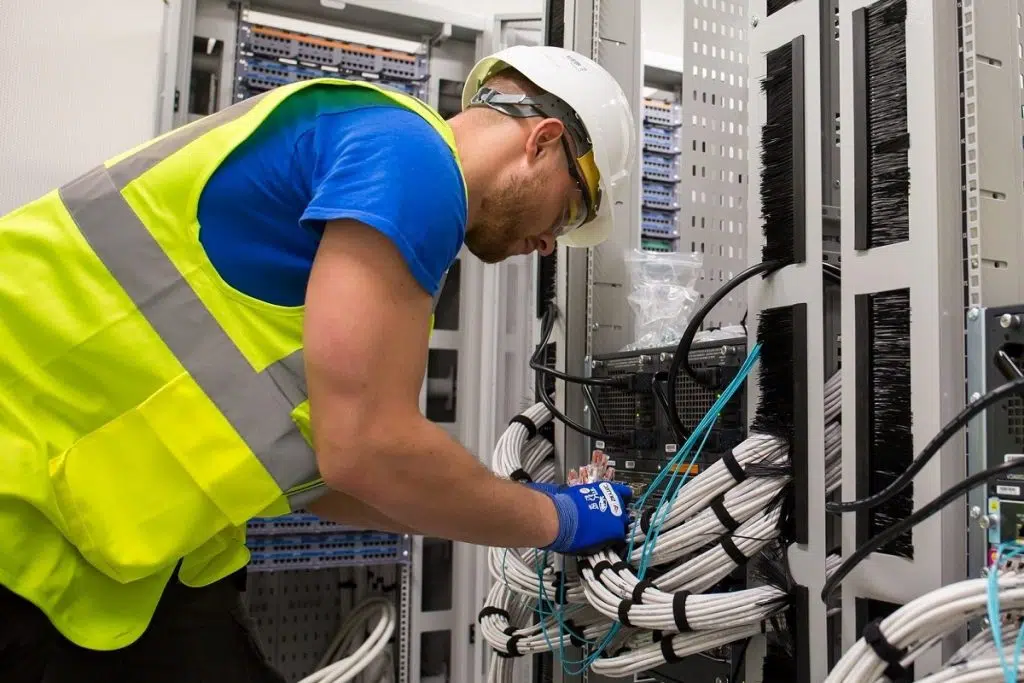
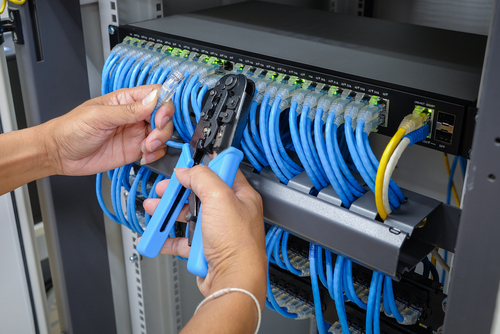
A dependable office network starts behind the walls, above the ceiling tiles and inside the communications room. Structured cabling gives that hidden infrastructure an orderly plan: permanent runs are labelled, routed through suitable containment and terminated at patch panels, outlets and racks. Rather than treating each desk move or new device as a one-off wiring job, the building receives a consistent cabling system that can be traced, tested and expanded with far less disruption.
Commercial cabling covers more than a single network cable from a workstation to a switch. A well-planned installation accounts for wireless access points, VoIP handsets, printers, security cameras, door access, meeting-room displays and specialist equipment. Each needs a reliable connection, sensible cable route and sufficient capacity for the data it carries. The right design separates permanent structured cable from short, replaceable patch leads, keeping the installation neat and making faults easier to isolate.
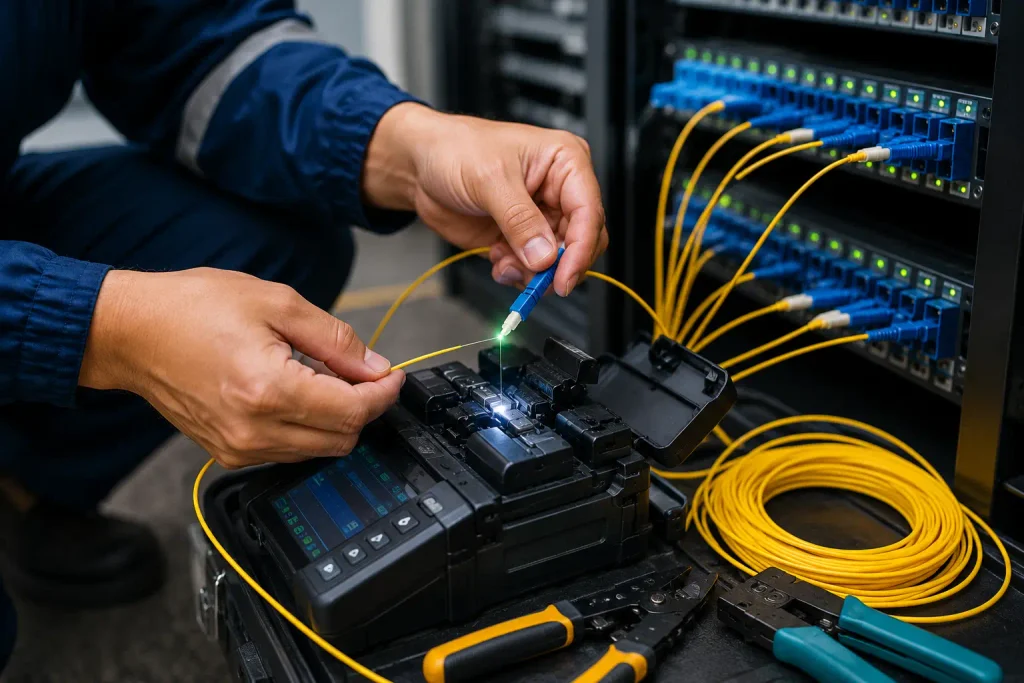
For a growing computer network, category rating is only one part of the brief. Cable choice should match the required speeds, PoE load, distance limits and physical setting. Copper cabling may suit desks and local devices; fibre links are often better for backbone runs between floors, cabinets or buildings. Fire ratings, containment space, bend radius and separation from mains wiring deserve the same care. Small shortcuts during installation can create intermittent faults that are expensive to find once ceilings are closed and teams are working.
Good documentation turns a cabling project into usable building infrastructure. Outlet numbers, patch-panel positions, test results and cable pathways should be recorded before handover. That record helps IT teams connect new equipment, relocate staff and diagnose a failed port without guessing which cable serves which room. A clean, labelled installation supports a network that looks considered from the comms rack to every desk, meeting room and shared workspace.
Office Network Cabling Planning Checklist
| Planning area | What to document or assess | Why it matters |
| Device connections | Connections needed for desks, wireless access points, VoIP handsets, printers, security cameras, door access, meeting-room displays and specialist equipment. | Each device needs a reliable connection, a sensible route and capacity for its data. |
| Permanent cabling and patch leads | Separate permanent structured runs from short, replaceable patch leads; record terminations at patch panels, outlets and racks. | This keeps the installation neat and makes faults easier to isolate. |
| Cable type and capacity | Match copper or fibre choices to required speeds, PoE load, distance limits and the physical setting. | Copper may suit desks and local devices; fibre is often suited to backbone links between floors, cabinets or buildings. |
| Routes and containment | Record cable pathways, suitable containment, available containment space and routes away from mains wiring. | Orderly routing supports traceable runs and reduces disruption during changes. |
| Physical installation constraints | Check fire ratings, bend radius and separation from mains wiring before installation. | Shortcuts can create intermittent faults that are costly to find after ceilings are closed. |
| Labelling and testing | Label permanent runs and record outlet numbers, patch-panel positions and test results. | IT teams can connect equipment, relocate staff and diagnose failed ports without guessing. |
| Handover records | Provide records of cable pathways, labels, terminations and test results before handover. | The cabling system can be traced, tested and expanded with less disruption. |

Network Cable and Structured Cable Choices for Data, Voice and PoE Systems
A well-planned network starts behind the walls, above the ceiling tiles and inside the equipment rack. The right network cable gives data devices reliable connections, keeps voice services clear and supplies Power over Ethernet to wireless access points, cameras, phones and door hardware without a separate power run. Cable choices should suit the building, the distance of each run and the services expected over the next several years, not merely the equipment on hand today.
For most offices, retail spaces and light commercial sites, structured cable based on Cat6 is a sound baseline. It handles gigabit data comfortably, supports common PoE applications and leaves room for many upgrades. Cat6A is worth specifying where higher speeds, dense wireless deployments or power-hungry PoE devices are part of the plan. Its larger construction can make installation more demanding, so pathways, patch panels and cable management need to be sized accordingly. Older Cat5e may still serve modest data and voice needs, yet it offers less headroom for new access points and multi-gig equipment.
Fiber belongs in the conversation wherever copper distance limits, electrical interference or building-to-building links are involved. A fiber backbone can carry high traffic loads between telecom rooms and provide a clean path for future capacity growth. Copper then serves individual outlets and powered endpoints nearby. This mix keeps costs sensible without compromising the network’s core.
Quality extends beyond the cable jacket. Proper termination, tested links, labeled outlets and sensible separation from power wiring protect signal performance. A structured cable layout with documented routes makes later moves and repairs far less disruptive. Before an install, map every desk, camera, display, phone and wireless access location; count the PoE demand at each switch; and allow spare pathways for additions. The result is infrastructure that supports daily work quietly, with dependable speeds and fewer surprises when the space changes.
Structured cabling planning checklist
- Map every desk, phone, camera, display, door controller, and wireless access point before cable routes are set.
- Use Cat6 for most office and retail outlets needing gigabit data, voice, and standard PoE support.
- Specify Cat6A for multi-gig links, dense wireless coverage, or high-power PoE equipment; size pathways and panels for larger cable.
- Use fiber for long runs, interference-prone areas, telecom-room backbones, and links between buildings.
- Calculate PoE load per switch, including access points, cameras, phones, and door hardware; leave power capacity for later devices.
- Keep data cabling separated from power wiring to reduce interference and protect link performance.
- Terminate, test, label, and document every link, outlet, patch panel, and cable route for faster repairs and moves.
Cabling Installation, Testing and Project Planning in Carson
A well-planned cabling installation gives a Carson business a dependable physical foundation for daily work: calls stay clear, cloud applications respond as expected, security devices remain connected, and new workstations can be added without opening finished walls twice. The right scope starts with the building itself. Ceiling access, pathways, existing conduits, equipment-room space, power separation, firestopping, and the distance between network closets all shape the design long before cable is pulled.
For an office renovation, tenant improvement, warehouse build-out, or new location, cable installation should be mapped to the way people and systems will use the space. That means confirming outlet locations, wireless access point placement, camera runs, printer areas, audiovisual needs, and capacity for future changes. Commercial cabling is more than a bundle of lines above the ceiling; it is organized infrastructure that technicians need to identify, trace, service, and expand years later.

In Carson, installation planning often has to fit around active operations, landlord rules, scheduled inspections, and limited maintenance windows. A disciplined project plan sets clear milestones for site walks, material delivery, pathway preparation, cable pulls, termination, labeling, testing, and closeout documentation. It should identify work that may affect occupied areas and provide a practical sequence for keeping disruption low.
Cable certification is the final proof that each permanent link performs to its specified category and length requirements. Test results can reveal split pairs, excessive loss, poor terminations, or damage that may not be visible after ceilings are closed. Records tied to labeled ports give the network team a usable baseline from day one.
California’s code requirements, fire ratings, and seismic considerations belong in the conversation early, not after materials arrive. With careful cabling design and documented testing, a Carson office receives an installation built for present demand and the next phase of the project.
Carson Cabling Project Checklist
- Walk the site to map ceiling access, pathways, conduits, closet locations, power separation, and equipment-room space.
- Confirm outlet, wireless access point, camera, printer, audiovisual, and workstation locations before cable pulls begin.
- Plan spare capacity for future moves, additions, and technology changes without reopening finished walls.
- Schedule work around occupied areas, landlord requirements, inspections, deliveries, and approved maintenance windows.
- Use rated materials, proper firestopping, seismic support, and code-compliant installation methods for California projects.
- Label cables, ports, patch panels, and pathways clearly for faster tracing, service, and future expansion.
- Certify each permanent link and retain test reports to identify termination faults, loss, split pairs, or cable damage.