
Key takeaways
- Plan pathways, racks, power separation, cooling clearances, and future growth before installation begins.
- Label, test, and document every copper and fiber run for faster repairs, audits, and expansions.
- Keep racks orderly with cable management, readable labels, airflow space, grounding, and restricted room access.
- Confirm Carson permits, landlord approvals, licensing, inspections, and site-access requirements early.
Server Room Cabling Installation in Carson CA for Live Business Systems
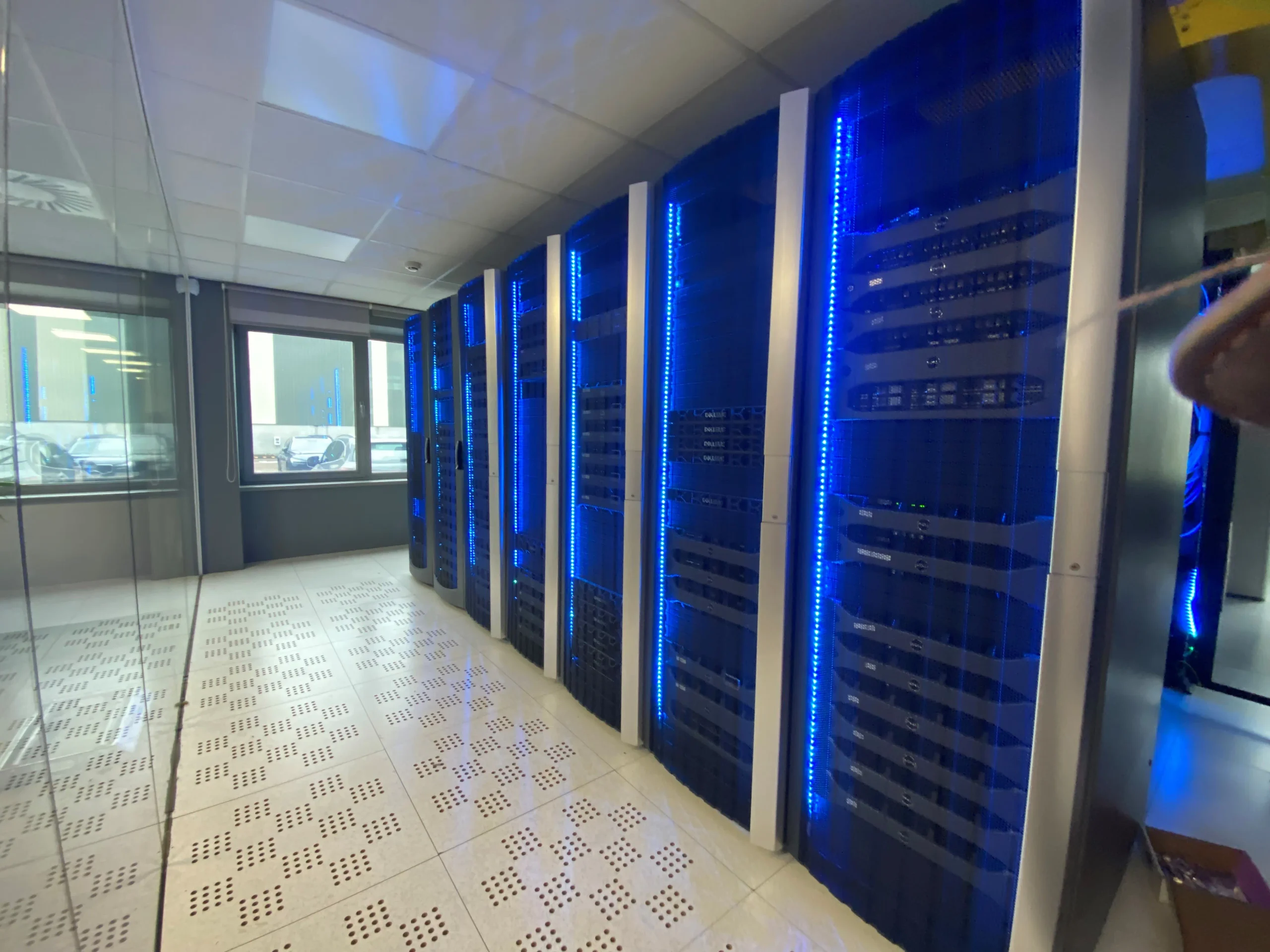
Server room cabling installation in Carson CA deserves planning that respects the systems already carrying your business. A live environment leaves little room for vague labeling, improvised pathways, or extended downtime. From a small network closet to a dedicated data room, the work starts with a close read of the building: existing conduits, rack locations, power separation, cooling clearances, ceiling access, and the route each cable must take without disrupting staff.
For Carson organizations, a well-executed installation creates an orderly foundation for daily operations and future changes. Technicians can document every run, label patch panels and outlets at both ends, dress cables cleanly in racks, and test copper or fiber links before they are placed into service. That discipline matters when popular hardware, phones, access points, cameras, and workstations share the same infrastructure. It matters just as much for software solutions that rely on consistent network performance, from a customer-facing app to on-site file access and communications. The goal is practical: a server room that remains clear, serviceable, and ready to support the work happening live every day.





What the Cabling Scope Can Include
A well-defined cabling scope reaches far beyond pulling wire between two points. For a new build, tenant fit-out, campus refresh, or capital improvement, it may cover site walks, pathway review, rack layout, backbone and horizontal cabling, terminations, labeling, testing, documentation, and clean handoff to the IT team. The right scope starts with project data: floor plans, device counts, power locations, ceiling conditions, security requirements, and plans for future growth.
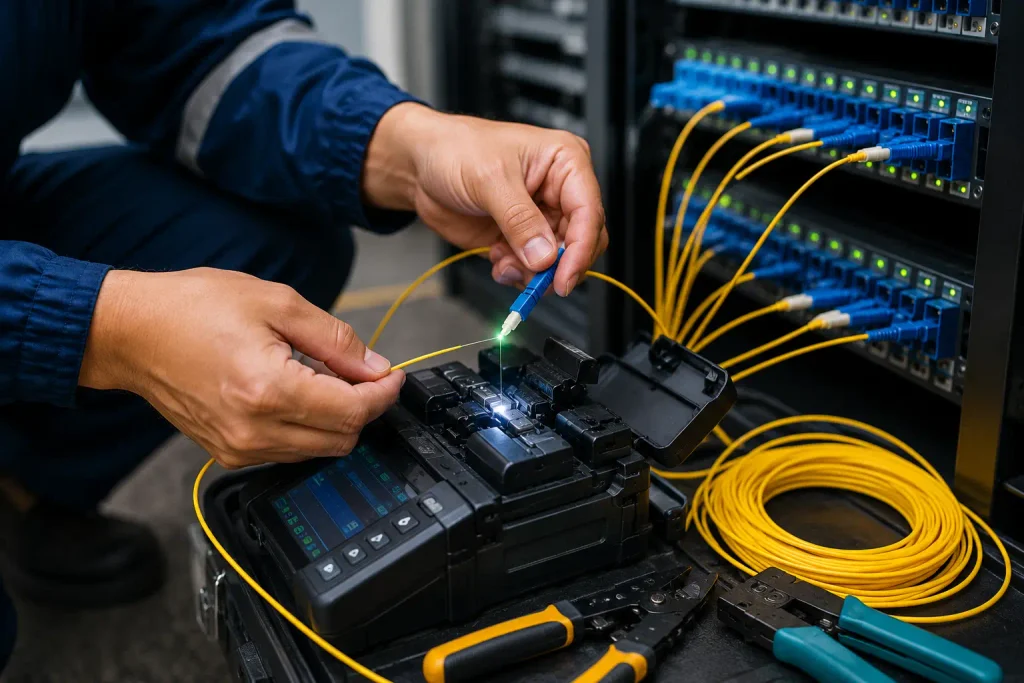
Materials matter. Copper runs may serve workstations, phones, access points, cameras, and building controls; fiber optics may connect telecom rooms, separate buildings, or high-capacity network equipment. A contractor can include sleeves, conduit, cable tray, firestopping, patch panels, racks, grounding, and removal of abandoned cable where the site calls for it.
For owners treating connectivity as data capital, documentation deserves real attention. Test results, port maps, cable IDs, and updated drawings give facilities and IT staff a usable record after the improvement project closes. That record supports moves, repairs, audits, and the next phase of work without guesswork.
Typical Structured Cabling Scope Items
| Scope area | What it can include | Why it matters after handoff |
| Planning and site review | Site walks, floor-plan review, device counts, power-location review, ceiling conditions, security requirements, and future-growth plans | Aligns the cabling work with site conditions and expected network needs. |
| Pathways and support systems | Pathway review, sleeves, conduit, cable tray, firestopping, grounding, and removal of abandoned cable | Provides routes and supporting infrastructure for installed cable where the site calls for it. |
| Rack and telecom-room layout | Rack layout, racks, patch panels, and connections between telecom rooms | Gives IT staff an organized physical point for network connections and service work. |
| Copper and fiber cabling | Backbone and horizontal cabling; copper for workstations, phones, access points, cameras, and building controls; fiber for telecom rooms, separate buildings, and high-capacity equipment | Connects devices and network locations across the facility. |
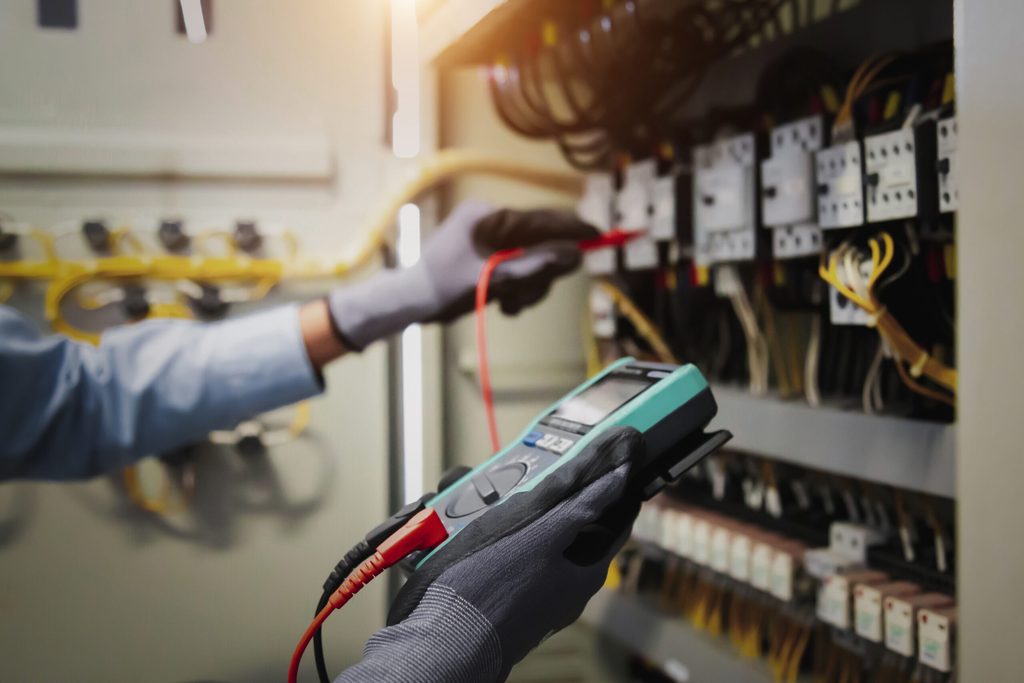
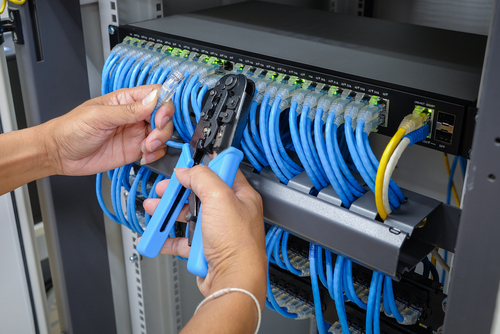
| Terminations, labeling, and testing | Terminations, cable labels, cable IDs, and test results | Helps staff identify connections, verify installed runs, and address repairs. |
| Documentation and handoff | Port maps, updated drawings, test results, cable IDs, and a clean handoff to the IT team | Supplies a usable record for moves, repairs, audits, and later project phases. |
Cabling scope checklist
- Review floor plans, device counts, power, ceiling conditions, security needs, and expansion plans.
- Map pathways, sleeves, conduit, trays, and firestopping before cable installation.
- Specify copper for endpoints and fiber for telecom rooms, buildings, and high-capacity links.
- Include racks, patch panels, grounding, terminations, labels, and removal of abandoned cable.
- Deliver test results, port maps, cable IDs, and updated drawings for IT handoff.

Rack Organization and Room Readiness
A well-run rack begins before a single server is secured. In a dedicated room, the quiet details, clear access, measured airflow, labeled pathways, and a clean service zone, shape reliability long after installation day. Treat the room as part of the system, not spare square footage within the building.
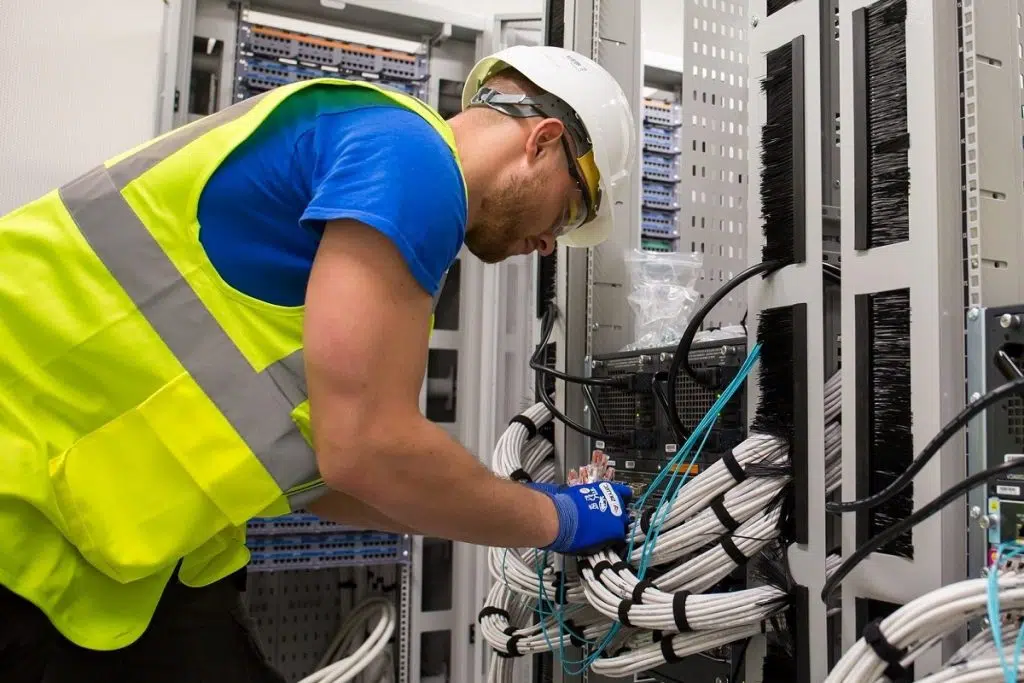
Start with the rack’s physical order. Place heavier equipment low, reserve blanking panels for unused spaces, and separate power runs from network cabling. Use vertical managers and short, properly sized patch leads rather than coils of excess cable. Labels should be readable from the front and rear, with ports, circuits, and device names matching the documentation.
Room readiness deserves the same discipline. Confirm floor loading, door clearance, grounding, lighting, cooling capacity, and a route for future equipment delivery. Keep liquids, storage boxes, and cleaning supplies outside the equipment area. Restricted access and a visitor log help protect financial data, particularly where consoles or backup media remain on site. Good organization makes routine work faster and gives technicians room to respond calmly when service needs attention.
Rack Readiness Checklist
- Mount heavy equipment low; fit blanking panels in unused rack spaces.
- Separate power and network routes; use vertical managers and short patch leads.
- Label devices, ports, and circuits clearly from both rack sides.
- Check floor loading, grounding, cooling, lighting, and delivery clearances.
- Keep liquids and storage outside; restrict room access and log visitors.
Carson City Permits, Licensing and Installation Coordination
In Carson City, a polished installation starts well before equipment arrives on site. Permit requirements can vary with the scope of work, the property’s use, electrical needs, signage, access changes, and any impact on public space. Confirm the project path with the city early, then align drawings, contractor documentation, inspections, and site scheduling around the approval timeline. Commercial projects may call for current business licenses from installers or specialty trades, along with insurance records and Nevada contractor credentials. For work connected to municipal facilities, economic development initiatives, or public-facing improvements, procurement rules may apply; watch for RFPs, building standards, bid deadlines, and approved-vendor requirements. Clear coordination prevents a finished design from being held up by a missing permit, an unapproved location, or an inspection scheduled after crews have left. A local installation partner can keep communication moving among property owners, city staff, utilities, contractors, and project managers, preserving both the design intent and the opening date.
Areas That We Serve
Plan Your Carson Server Room Cabling Project
A successful server room begins with a clear cabling plan, not a rack full of patch cords. Before scheduling server room cabling installation in Carson CA, document the equipment entering the room: switches, servers, firewalls, storage, wireless controllers, UPS units, and carrier handoff hardware. Map each rack, cable pathway, port count, power source, and anticipated growth point. This work prevents crowded pathways, short patch leads, and costly rework after equipment is live.
For Carson facilities, site conditions matter. Measure ceiling space, wall penetrations, floor access, HVAC clearances, and the route from the building entrance to the server room. A warehouse, medical office, retail site, or multi-tenant commercial building may each call for different pathway materials and firestopping details. Confirm whether permits, landlord approvals, or after-hours access rules apply before crews arrive.
Choose a structured design with labeled copper and fiber runs, properly sized ladder racks or trays, separated data and power routes, and documented test results. Leave capacity for new switches, additional access points, cameras, and workstations. Clear records, rack elevations, cable IDs, port maps, and test reports, give your IT team a practical reference long after installation day.