
Key takeaways
- Structured copper and fiber cabling supports reliable data, voice, security, wireless, and point-of-sale systems.
- Site reviews identify pathways, rack locations, power needs, interference risks, and realistic future expansion.
- Category 6A supports high-speed endpoints and Power over Ethernet for access points, cameras, and phones.
- Fiber backbones provide high-capacity, interference-resistant links between telecom rooms, suites, warehouses, and larger floors.
- Labeling, certification testing, clean racks, and handoff documentation simplify troubleshooting, moves, and future upgrades.
- Permits, firestopping, safe work practices, and coordination protect compliance in Carson commercial properties
Network Cabling Company West Carson CA, Commercial Cabling Services
For West Carson businesses, the network behind the walls deserves the same care as the equipment on every desk, register, production floor, and security station. A qualified network cabling company West Carson CA businesses can rely on plans each installation around present needs and realistic growth, from a single office refresh to a multi-room commercial buildout.
Our team provides professional network cabling services for offices, retail locations, warehouses, medical practices, schools, and industrial facilities throughout West Carson and nearby Carson. The work begins with a site review: identifying equipment locations, pathways, rack placement, power considerations, and the traffic each connection must carry. That preparation helps prevent messy cable runs, strained connections, and costly rework after walls are closed or operations are underway.

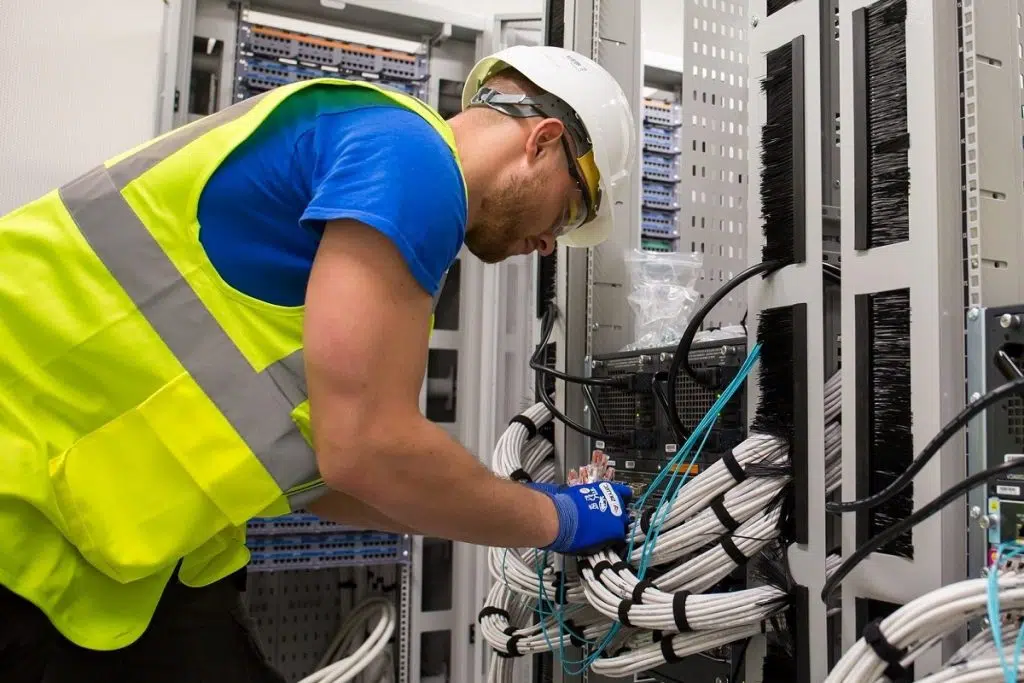
Commercial cabling should be orderly, labeled, tested, and built for serviceability. We install structured copper and fiber runs, patch panels, data racks, wireless access point cabling, voice lines, camera connections, and point-of-sale drops with a clean finish suited to occupied workplaces. Every cable route is selected with attention to access, separation from electrical interference, and the demands of the environment.
Businesses in the west Carson area often need practical solutions that fit active facilities and narrow installation windows. A warehouse may require durable runs for scanners, cameras, and access control; an office may need reliable connections for cloud applications and video meetings. Our cabling services are scoped around those day-to-day demands, with clear documentation that makes future moves, additions, and troubleshooting far easier. The result is infrastructure that supports dependable operations without turning your workspace into a tangle of exposed cords and improvised fixes.





Structured Cabling Design for West Carson Workplaces
West Carson offices benefit from structured cabling laid out before furniture, devices, and teams arrive. Thoughtful cabling solutions organize data cabling and network cabling in accessible pathways, with labeled cable runs and room for change. The right plans give daily data and internet traffic a dependable physical foundation, from the telecom room to every work area across a single suite or multi-tenant floor.
Copper Network Cabling for Business Endpoints
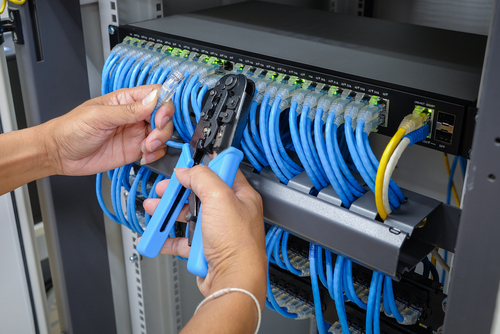
Copper network cabling remains the practical connection for desks, wireless access points, phones, cameras, printers, and many access-control devices. A well-designed data cabling layout begins with the endpoint count, room use, furniture plan, and likely equipment additions over the next several years. Category 6A is often a strong choice for offices seeking high-speed connections and dependable Power over Ethernet capacity for modern devices.
Installation quality matters as much as cable category. Cable pathways should keep low-voltage runs clear of electrical interference, maintain bend radius, and avoid tight bundles that create heat around powered cabling. Each run should terminate on labeled patch panels and wall plates, then receive performance testing that documents signal quality and link results. Clean labeling gives facilities staff a direct record of which ports serve each office, conference room, or ceiling device.
For West Carson businesses, practical design often means placing extra drops where workstations may shift, meeting rooms may gain displays, or wireless coverage may need to expand. Those reserved connections cost far less during construction than opening finished walls later, and they keep network systems orderly as the workplace changes.
Fiber Optic Cabling for Backbones and Longer Runs
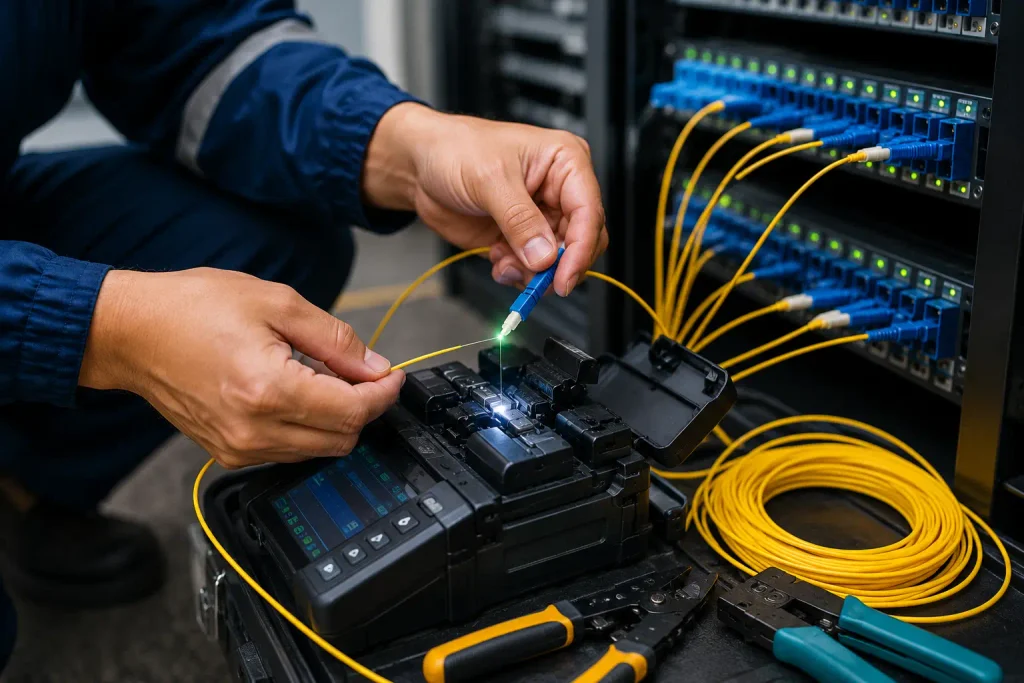
Fiber optic cabling is suited to the high-capacity links that tie together telecom rooms, separate suites, warehouse areas, and larger office floors. Fiber carries data over light rather than electrical current, making it well suited for longer distances and locations exposed to electromagnetic interference. It can form the backbone between network switches while copper serves individual business endpoints.
The fiber choice should match the building’s distance, equipment, and growth plan. Multimode fiber is frequently used for shorter in-building backbone runs, where compatible optics can support high network speeds. Single-mode fiber supports far greater distances and is often selected for campus links, carrier handoffs, or properties where a future expansion may extend beyond the building. A SAN environment, for example, may call for carefully planned fiber links between storage, servers, and switching equipment.
Successful cabling projects account for pathway capacity, fire-rated penetrations, termination hardware, slack storage, and test documentation. Fusion-spliced or properly terminated connections help preserve a clean signal path, and certification testing records insertion loss for each strand. Leaving spare fiber strands and pathway space gives a West Carson workplace room to add bandwidth without rebuilding its backbone.
Fiber Backbone Planning: Multimode vs. Single-Mode
| Planning factor | Multimode fiber | Single-mode fiber |
| Typical deployment | Frequently used for shorter in-building backbone runs. | Often selected for campus links and carrier handoffs. |
| Distance suitability | Suited to shorter backbone distances within a building. | Supports far greater distances. |
| Equipment compatibility | Compatible optics can support high network speeds. | The fiber selection should match the building’s equipment. |
| Future expansion planning | Suitable where backbone runs remain within the building. | Fits properties where expansion may extend beyond the building. |
Commercial Cabling for Connected Business Systems
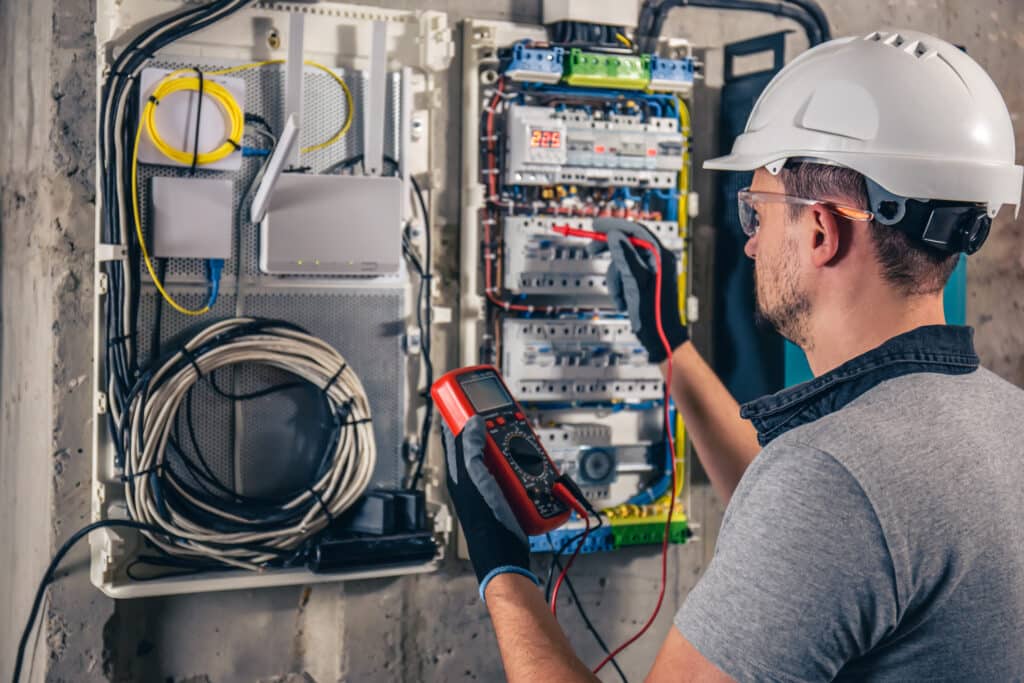
A business network is only as dependable as the pathway carrying its data, voice, video, security, and wireless traffic. Thoughtful commercial cabling gives connected systems a clean, organized foundation, from the communications room to workstations, access points, cameras, and point-of-sale equipment. It is the unseen infrastructure that keeps daily operations moving without dropped connections, patchwork extensions, or hard-to-trace faults.
In local offices, retail spaces, medical practices, warehouses, and multi-tenant properties, every installation calls for a plan suited to the building and its workload. Cable category, pathway routing, rack layout, labeling, termination quality, and testing all affect how reliably a signal reaches its destination. A well-run cable may be out of sight, yet its condition becomes obvious the moment a phone system crackles, a camera feed stutters, or a wireless network loses capacity during a busy shift.
Our commercial cabling solutions are designed around the way your team uses the space now, with room for sensible growth later. A qualified technician can map existing runs, identify weak points, install new data or fiber links, clean up closets, and document the work so future service is straightforward. That level of detail gives IT staff and property managers practical support rather than a bundle of unmarked cables behind a ceiling tile.
Whether the project involves a single suite refresh or a larger build-out, structured cabling creates a dependable base for the systems your business relies on every day. Clean installation practices, proper testing, and clear records help protect performance long after the walls are closed and the desks are in place.
Commercial Cabling Priorities
- Map current devices, work areas, communications rooms, and planned growth before installation begins.
- Select cable categories suited to network speed, distance, power delivery, and equipment demands.
- Route cables through protected pathways away from electrical interference, heat, moisture, and physical damage.
- Use labeled patch panels, racks, and outlets for faster service and simpler future changes.
- Terminate every connection carefully to prevent intermittent data, phone, camera, and wireless issues.
- Test and document each run, recording results, cable paths, outlet labels, and closet layouts.
Network Rooms, Racks and Documented Handoff
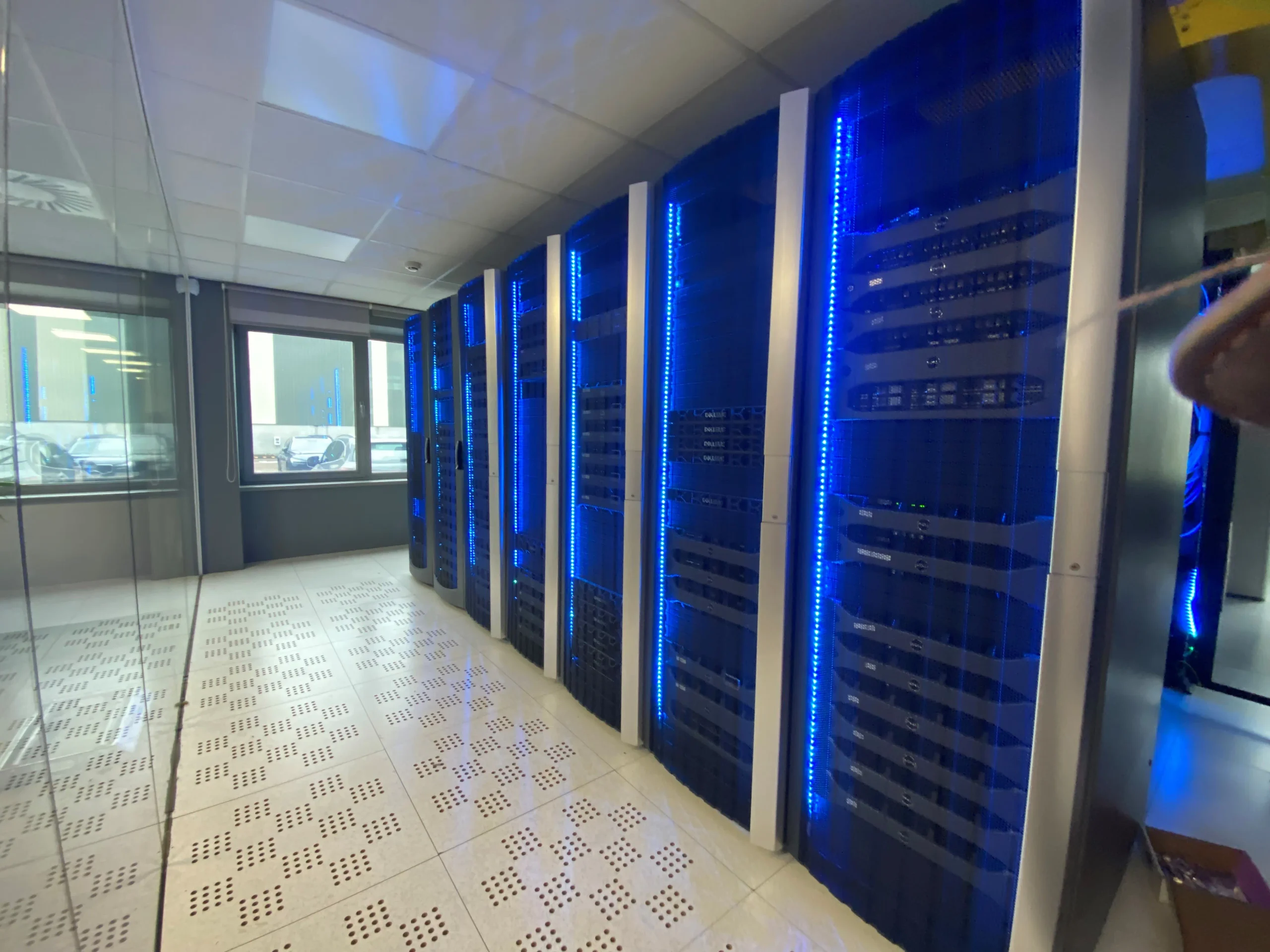
A well-built network room makes everyday maintenance quieter, faster and far less risky. The standard is visible before a technician opens a laptop: a clean rack, sensible cable routes, labelled terminations and enough working space to trace a connection without disturbing five others. For local businesses, schools and multi-tenant sites, this attention to detail separates an installation that merely works on day one from one that remains serviceable years later.
Network cabling should enter the room through planned pathways, with copper and fibre kept orderly, supported and protected from sharp bends or strain. Patch leads need sensible lengths and clear identifiers at both ends; loose loops and unlabeled cable may seem minor at first, yet they turn routine changes into slow, error-prone work. Proper vertical and horizontal management keeps airflow clear around active equipment and gives future additions a defined place to go.
Inside each rack, equipment should be mounted at practical heights, with patch panels, switches, power distribution and cable management arranged in a sequence that a new technician can read quickly. Allowing spare rack units, patch-panel capacity and pathway room avoids a cramped rebuild when the site adds desks, cameras, wireless access points or another floor. Grounding, ventilation, access control and a suitable power plan deserve the same care as the visible finish.
Handoff documentation closes the job properly. It should record cabinet locations, rack elevations, port schedules, test results, pathways, cable labels and any departures from the original drawings. Where certification has been specified, provide the relevant test records by link and permanent copy, matched to outlet and panel identifiers. A concise handover pack gives the client a usable map of the installation, supports warranty conversations and lets the next change begin with facts rather than guesswork.
Cabling Projects, Permits and Site Safety in Carson
Successful cabling projects in Carson begin long before a technician pulls the first run of copper or fiber. The scope must account for the building’s use, ceiling conditions, pathways, fire-rated assemblies, existing electrical infrastructure, and the practical demands of the network room. A skilled cabling contractor will walk the site, document conditions, and map a route that keeps data cabling serviceable without crowding power, plumbing, HVAC, or life-safety systems.
Permit requirements can vary by project scope and property location. Work within the City of Carson may fall under city building review, while sites in unincorporated areas of Los Angeles County follow county oversight. Tenant improvements, new conduit, penetrations through rated walls, equipment-room changes, and exterior pathways are common triggers for plan review or permits. Property managers should confirm requirements before scheduling work, particularly in medical offices, schools, warehouses, retail centers, and multi-tenant commercial buildings where inspections and landlord standards may apply.
From Site Visit to Network Cabling Installation
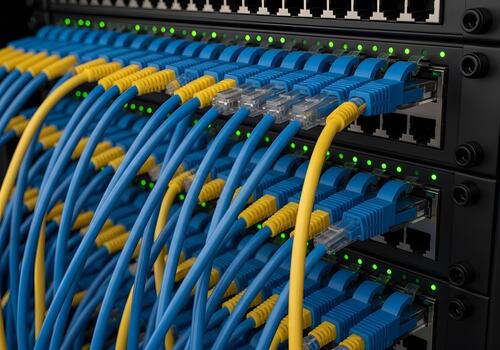
A well-planned network cabling project starts long before the first cable is pulled. The site visit gives a cabling contractor the chance to see how a property actually works: where staff sit, where equipment lives, which routes are accessible, and where future expansion may be needed. Plans are useful, yet ceilings, risers, fire barriers, power locations, and older building alterations often tell a different story on site.
During this visit, a technician can map practical cable pathways and identify details that affect the finished result. That may include measuring runs between communications cabinets and work areas, checking access above suspended ceilings, locating suitable containment, and reviewing the condition of existing infrastructure. In offices, retail premises, warehouses, schools, and multi-unit buildings, the best route is rarely the shortest line on a drawing. It must be neat, protected, serviceable, and appropriate for the building’s daily use.
The initial request should cover more than the number of outlets required. A useful brief identifies the devices being connected, such as wireless access points, desks, cameras, phones, displays, or access-control equipment. It should account for power over Ethernet requirements, rack space, patching, labelling, testing, and whether the installation needs to take place outside trading or working hours. These details shape the material choice and labour plan.
From there, the contractor can propose cabling solutions suited to the site rather than a generic package. Clear scope, documented routes, and properly tested network cabling give the client a system that is orderly from day one and easier to maintain when the building changes.
Site Visit Checklist
- Walk the property to identify work areas, equipment locations, cabinets, risers, and accessible cable routes.
- Measure cable runs and inspect ceilings, fire barriers, containment, power points, and existing infrastructure condition.
- List every connected device, including desks, wireless access points, cameras, phones, displays, and door-access equipment.
- Confirm Power over Ethernet needs, outlet quantities, rack capacity, patching arrangements, and cabinet locations.
- Choose routes that keep cables protected, tidy, serviceable, and clear of daily building activity.
- Record route plans, labelling standards, test requirements, and installation hours before materials and labour are scheduled.
- Allow spare capacity for future outlets, equipment moves, and changes to the building layout.